

Debugging
How Duplicate CSS Ended Up in a Next.js Production Build
A duplicate CSS issue that moved the investigation from component imports to the generated output and Next.js build pipeline.
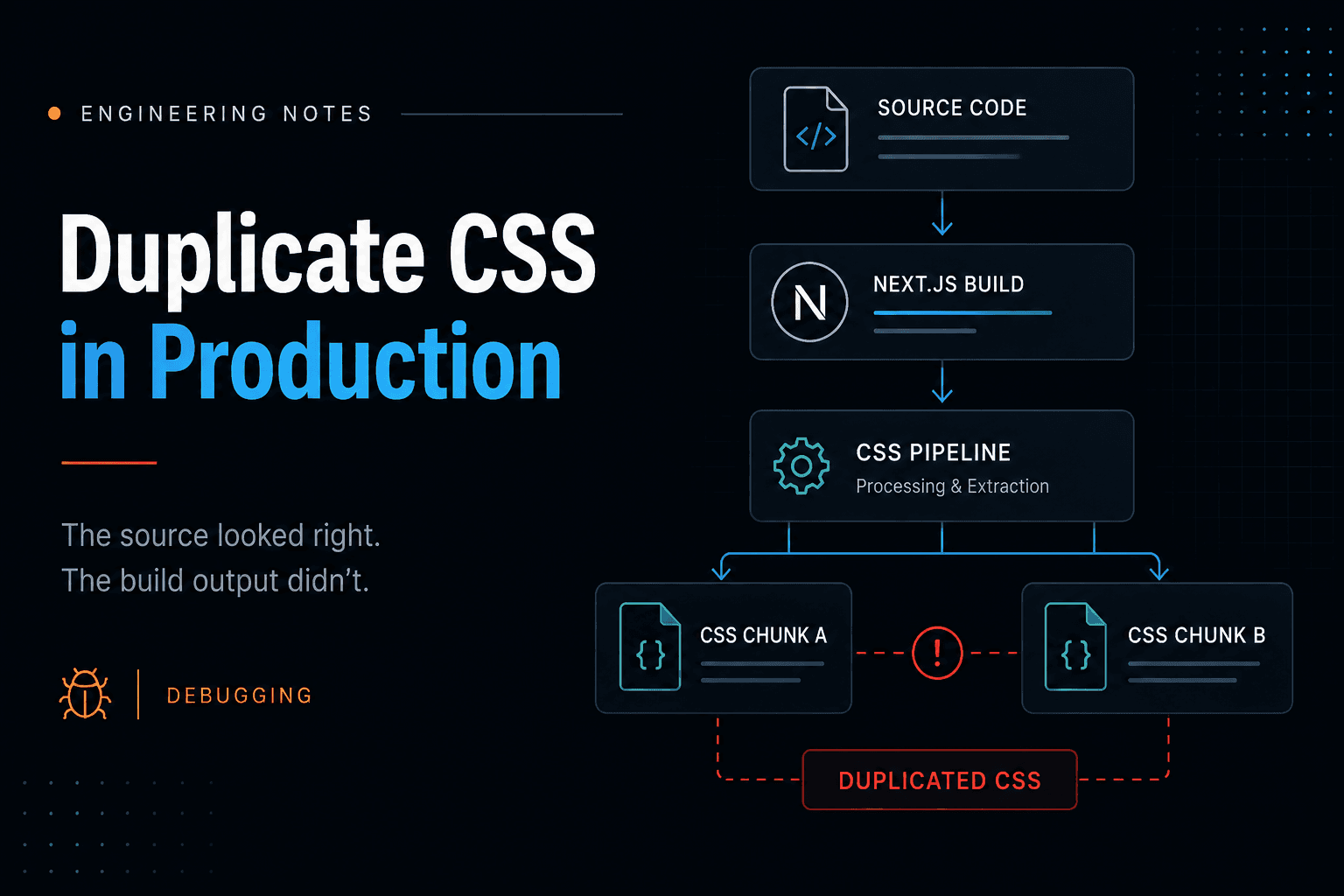
I was working on a Next.js application when we noticed something odd in the production output: multiple generated CSS files appeared to contain the same styles.
Nothing was visibly broken. The pages rendered correctly, the styles were there, and there wasn't an obvious error pointing us toward a particular component.
But the build output didn't look right.
My first assumption was fairly predictable: somewhere in the application, we were probably importing the same CSS more than once.
So that's where I started.
Looking for the duplicate in the source
I traced the stylesheet imports through the application.
I checked the global styles, layouts and component-level imports. I looked for places where the same stylesheet might be entering the dependency graph through different paths.
Nothing obvious explained what we were seeing.
That was the first useful clue.
If I couldn't find two copies going into the build, but I could see two copies coming out of it, then I was probably looking at the wrong layer.
So instead of continuing through the components, I moved to the generated output.
Inside the production build, the CSS assets had different generated filenames, but comparing their contents showed that the duplication was real. This wasn't just two similarly named files or a misleading entry in the network panel.
The build was emitting CSS more than once.
That changed the question from:
Where are we importing the stylesheet twice?
to:
Why is the build generating it twice?
The CSS wasn't really the problem
Once I started tracing the build configuration, the issue made more sense.
The application had custom handling around CSS extraction while Next.js already had its own machinery for processing, splitting and emitting styles during a production build.
That meant the problem wasn't necessarily in the CSS itself. The same source could pass through overlapping build behaviour and end up being emitted into multiple assets.
This also explained why the earlier investigation hadn't produced much.
I had been inspecting components and imports, but the duplication was being introduced later in the pipeline.
Source
  ↓

Next.js build

  ↓

CSS processing / extraction

  ↓

Generated assets

  ↓

Browser
The unexpected behaviour was appearing around the extraction/build stage, not where the styles were authored.
That sounds obvious once you've found it. It wasn't obvious when the only thing in front of me was two CSS files that shouldn't have looked the same.
Verifying the change
Build configuration is one of those areas where I don't like treating “it compiles” as proof that a change is correct.
Removing the duplication was only part of the check.
After adjusting the responsible CSS extraction configuration, I cleaned the previous build artifacts and generated a fresh production build.
Then I went back to the output.
The important part was verifying the same thing that had originally exposed the problem: whether the generated CSS assets still contained the duplication.
After that, I ran the production build and checked the application itself.
I wanted to make sure that fixing the output hadn't introduced a different problem with stylesheet loading, ordering or route-level behaviour.
The loop was basically:
clean
  ↓

build

  ↓

inspect generated CSS

  ↓

run production

  ↓

check the actual pages
That ended up being more useful than repeatedly checking the development server.
The issue was in the production artifact, so the production artifact had to be part of the debugging process.
Debug the layer where the problem appears
The main thing I took from this wasn't a particular CSS configuration.
It was knowing when to move away from the component.
Frontend debugging naturally starts in application code. Most of the time that's exactly where it should start.
But what runs in the browser has already passed through several layers:
source → framework → build pipeline → generated assets → browserIn this case, the source wasn't showing the duplication. The generated assets were.
Once I treated that output as evidence rather than something Next.js produced behind the scenes, the investigation became much narrower.
I've carried that into other build-related debugging since then.
If the source is wrong, I stay in the source.
If the source looks right but the compiled output doesn't, I inspect the build.
And if the build output looks right but the browser still behaves differently, I move further downstream.
The duplicate CSS was eventually fixable.
Finding the right layer to debug was the more useful part.
Share this article
Written by
Tanvir Sheikh
Software Engineer · Product Builder
I build and ship production-ready digital products and write about the engineering lessons behind them.